These instructions are for the desktop version of the Safari browser as of July 2024
1. Open Apple’s Safari browser
Click the Safari icon on your desktop or start menu to start the Safari browser.
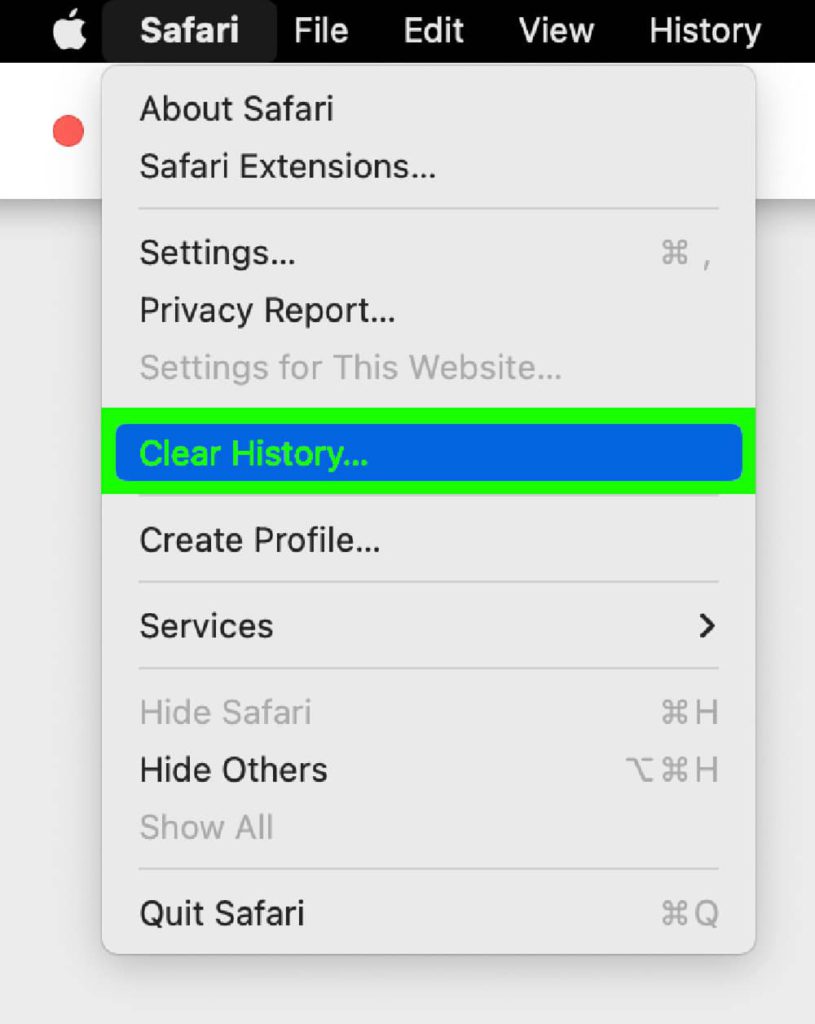
2. Open the Safari menu.
3. Select “Clear History…”
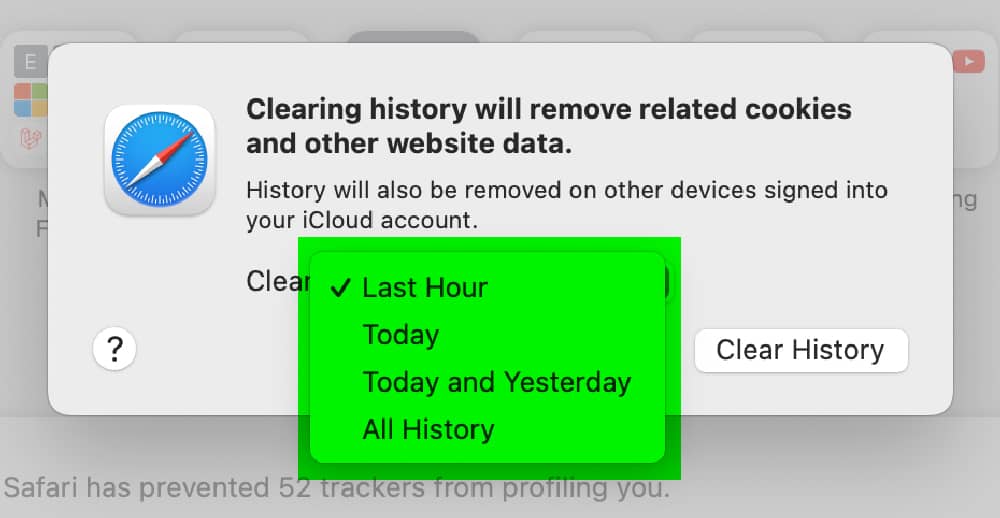
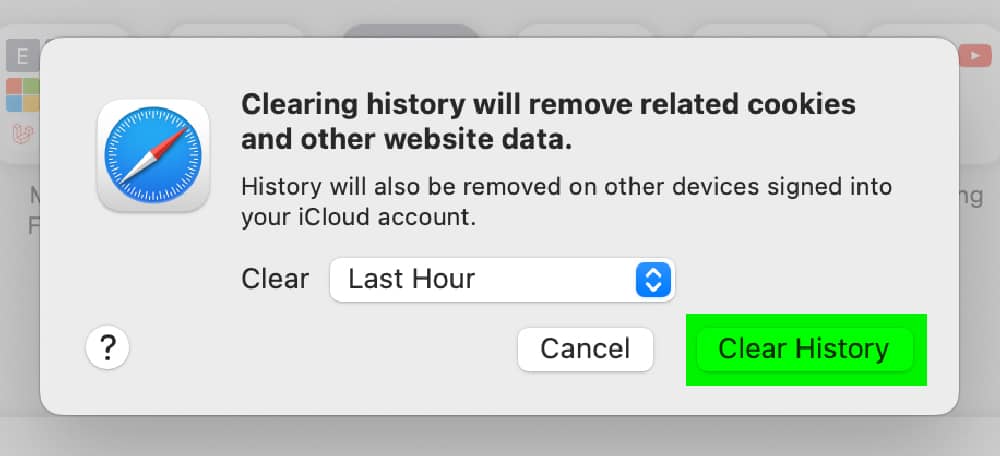
4. Select Time Range In the “Clear” dropdown, choose how far back you want to clear (e.g., “Last hour,” “All time”). Select “All History”
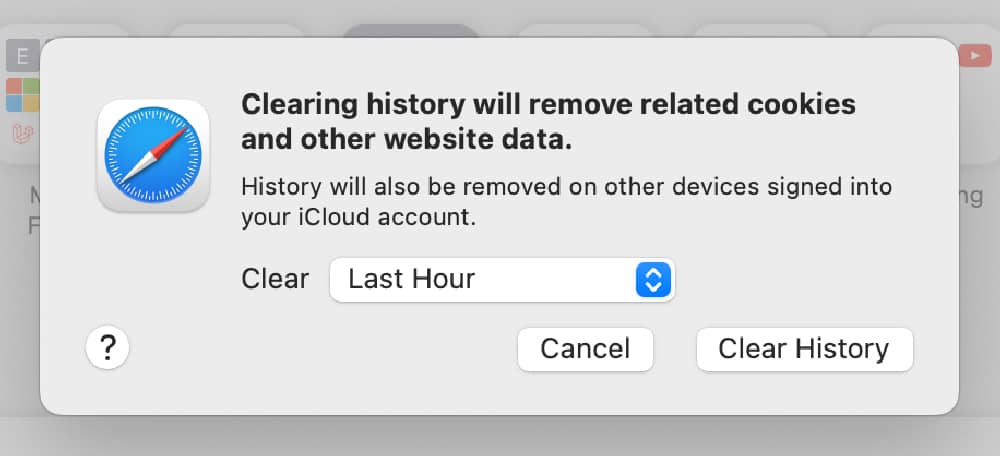
5. Clear History
Click the “Clear History” button (highlighted in green).
We use cookies and similar technologies to improve your experience on our site.
Analytics cookies are only active on public pages. They are never active on pages where personal health information may be entered.
Learn more in our Cookie Policy.